Personal project
TranscribeMate
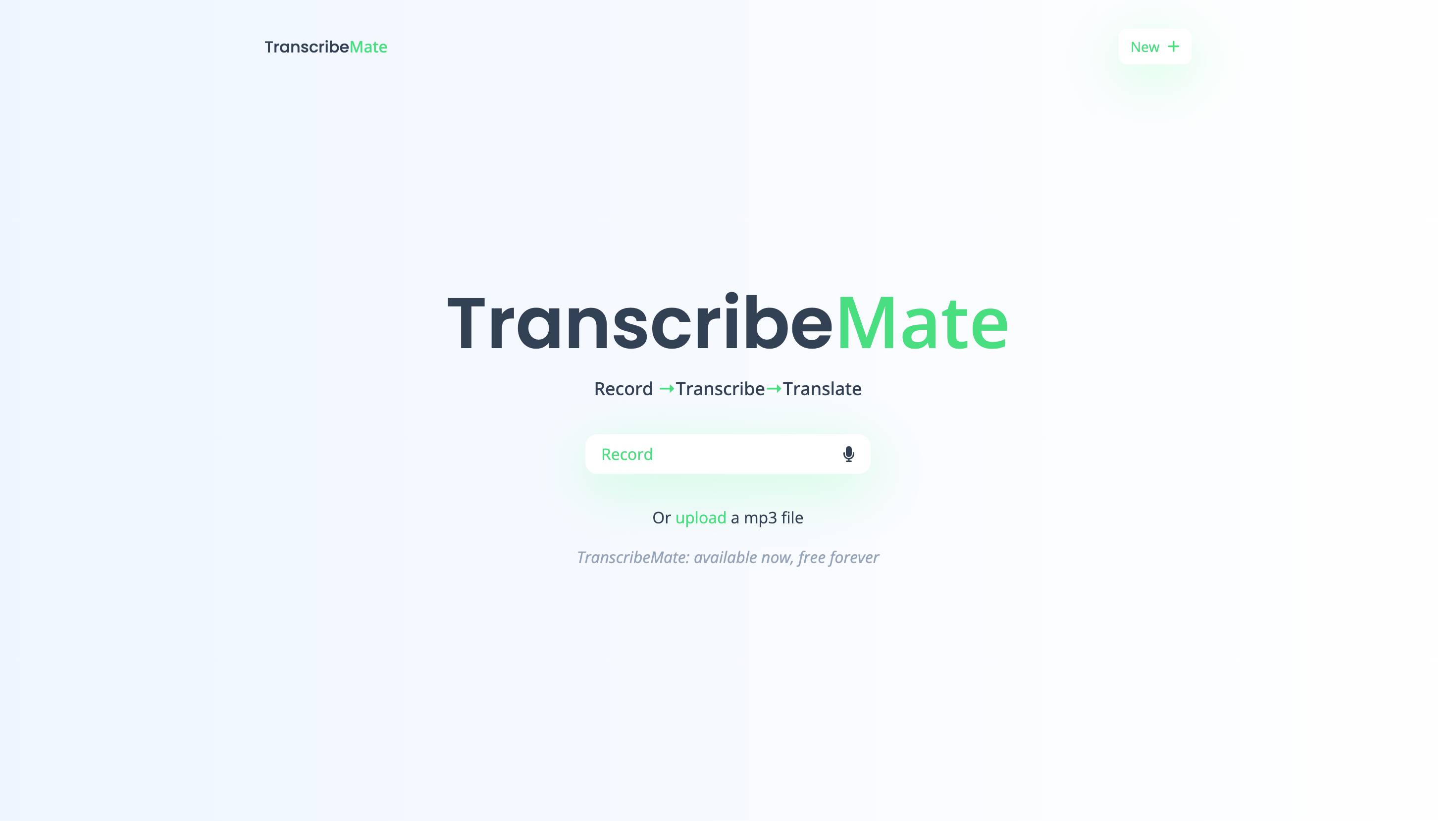
Speech-to-text in the browser, backed by a local PyTorch Whisper service that streams partial transcripts as it works.
Problem
Waiting for a whole recording to finish before seeing any text feels slow, and sending audio to a hosted API is not always what you want. I wanted transcripts that appear as they are ready, from a model running on my own machine.
What I built
You record or upload audio in the browser, and PCM streams to a local Python service. The service runs Whisper in PyTorch and sends partial text back as each window finishes, with no API key involved.
How
- React appRecords or uploads audio, posts PCM
- Chunker30-second windows with 5 seconds of overlap
- Bounded worker poolRead, resample to 16 kHz, build mel spectrograms
- Whisper tiny.enOne model and one forward path per process
- Ordered partialsNewline-delimited JSON back to the browser
Windows are yielded as soon as they are full. Preparation runs in a bounded thread pool, so slow audio work cannot stall the model thread, and ready mel windows are stacked into one batch.
Partial text is emitted in order over POST /v1/transcribe as newline-delimited JSON. On a GPU the forward pass uses FP16 autocast; otherwise the same process runs on CPU in FP32.
Results
- Partial text reaches the browser before the rest of the audio has finished processing.
- Unit tests cover chunk overlap, batch planning, the bounded queue, ordered partials and FP16 selection, and a real CPU forward pass runs on a
(2, 80, 3000)mel batch. - The limit is explicit: the GPU path is covered by mocked tests but has not been run on a GPU yet.
What I learned
- Perceived speed comes from the pipeline as much as the model. Streaming and backpressure changed the experience more than any tuning did.
- Keeping one forward path made CPU and GPU behaviour much simpler to test.